Design Smarter, Not Harder: LogoMakr vs Design.com
Logo design tools used to fall into two categories: painfully basic DIYs or agency work that took weeks and burned a hole in the budget. In 2025, the gap is mostly gone (thanks to logo generators). Still, not every platform evolved at the same pace. Some tools have become full-on branding ecosystems, while others stop at “good enough.
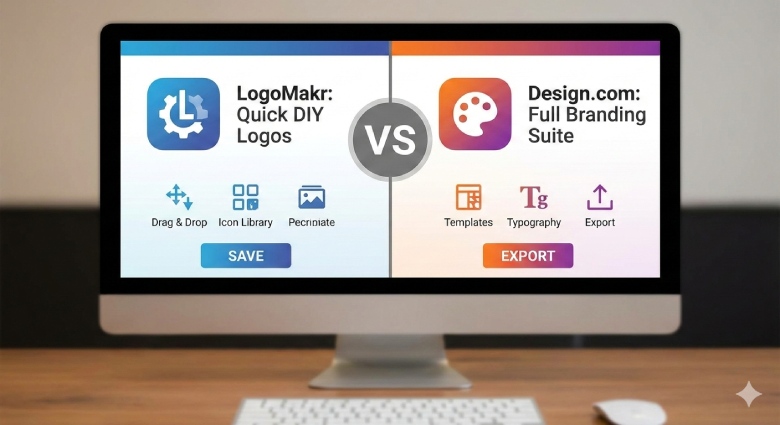
We’re not satisfied with the bare minimum. Both LogoMakr and Design.com promise quick and accessible logo creation. But they still approach branding from very different angles. One prioritizes simplicity and quick visual output, which is perfect if you want to get something on the screen fast. The other is built around the idea that a logo is just a starting point, and real branding means consistency across websites, social media, business materials, and beyond.
And the goal is to design smarter, not harder, so the tool you choose will make or break it.
Quick Comparison: LogoMakr vs Design.com
|
Feature |
Design.com |
LogoMakr |
|
Logo library |
360,000+ logo templates |
Limited icon-based templates |
|
File formats |
SVG, EPS, PDF, PNG, JPG, GIF, MP4, icon-only, transparent background |
PNG, JPEG, PDF, SVG, transparent background |
|
Additional tools |
Websites, business cards, presentations, QRs, flyers, posters, menus, etc. |
Logo design services |
|
Support |
24/7 email and chat |
|
|
Pricing |
Free logo options with full files; premium logo plans, starting at $5/month; optional extended licensing |
Starting at $29 per one-time download |
Now that you know what each brand generally offers, it’s time to look at the tools more closely.
Design.com: №1 Logo Company in the World
Design.com is not just a logo generator, though. It’s a full-on branding platform that quietly replaces the workflow of an entire agency. Instead of relying purely on AI randomness, Design.com takes a hybrid approach. Each logo template is created by a professional designer, and then customized using AI. The result? Logos that look intentional, balanced, and brand-ready.
The platform is also built for anyone. Doesn’t matter if you’re an entrepreneur, a small business, a startup, or just trying out something new; you can quickly make logos that suit your style, are affordable, and commercially safe.
What Sets Design.com Apart
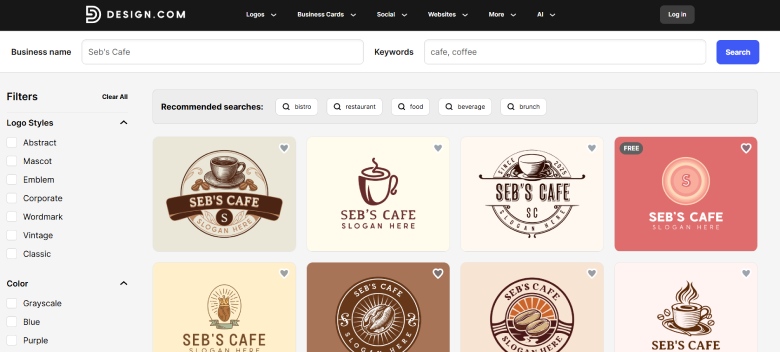
- The largest template library on the market. With 360,000+ logo templates and over 1 million total design templates, Design.com offers more variety than most competitors combined. And yes, many are available to download for free.
- Not just a logo generator. You can build a logo and immediately use it everywhere else. Websites, business cards, social posts, presentations, QR codes, digital cards – 50+ additional design tools live inside the same platform.
- Deep customization. Choose from 750+ fonts, including 525+ exclusive fonts, plus 62,000+ vector shapes.
- Commercial safety. Every design is 100% commercially safe, with extended licensing options that allow you to remove a design from the library entirely.
- Numerous file formats. Download in Vector (SVG, EPS, PDF), Raster (PNG, JPG), Animated (GIF, MP4), Icon-Only, Transparent Background options.
- Automatic branding. Anything you create after the logo (like social media templates) will automatically inherit your logo’s style.
- Access in multiple languages and currencies. The platform is available in 7 languages, and you can pay in 9 currencies.
- Nonstop support. If you have any more questions, their team is available 24/7 via email and chat.
Pricing
Design.com offers a Free tier, which is not a trial period. You get to download a selection of logos in almost any format and edit them to your taste. The website builder, free digital business card maker, and link-in-bio makers are also available for free.
You can also make use of the entire design ecosystem and save them. However, you can’t download the assets created with them. The access opens with premium plans, starting at just $5/month.
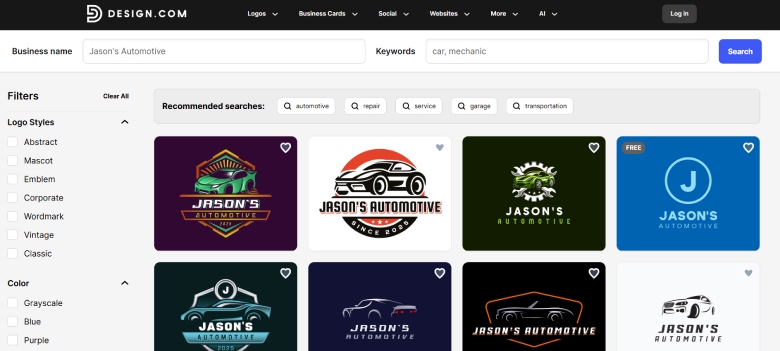
Design.com is a platform for those who want professional results without having to learn design software or paying agency rates. And the output quality shows that.
LogoMakr: Simple and Straightforward
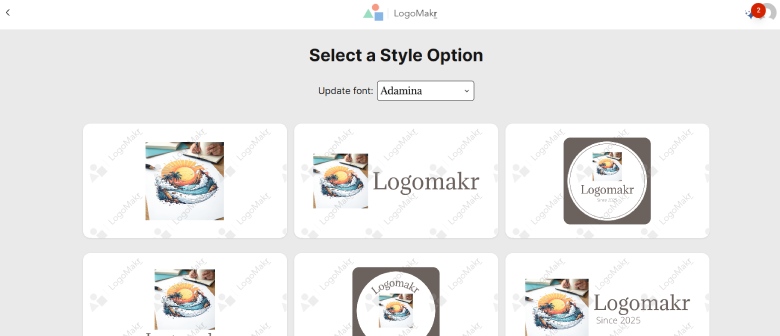
LogoMakr takes a much more minimalist approach. With millions of graphics, designer fonts, an icon maker, a shape tool, a social media tool, and ready-made templates, the platform provides users with a comprehensive toolkit to unleash their creativity and design anything they can envision.
What Sets LogoMakr Apart
- Make a logo in minutes. You can have a custom logo quickly, by using ready-made templates or by letting AI generate designs.
- Ready-made template library. Select a template from thousands of options, and personalize it by updating the font, images, and colors.
- Generate with AI. Simply enter your business name, select some design preferences, and get an original logo with custom graphics.
- Icon maker. Describe the type of icon you need, and the AI will create an original graphic.
- Multiple file formats. Logos can be downloaded in PNG, JPEG, PDF, SVG, and Transparent Background options.
Pricing
There is no subscription-based model here, so everything is a one-time purchase with full rights to the design. Payments start at $29/month for 1 design, with lots of limitations.
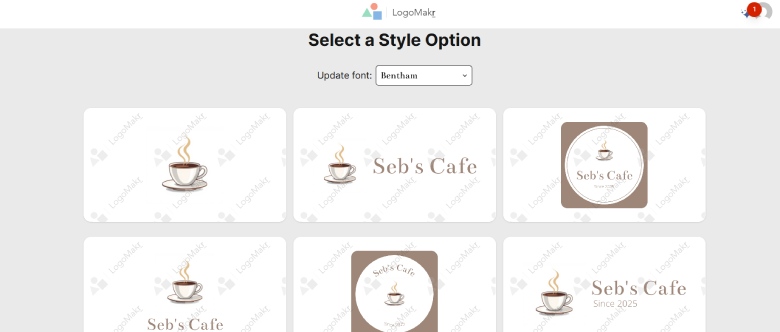
LogoMakr is best as a quick logo sketch tool. It focuses on speed and simplicity, which makes it perfect for those who don’t need a full brand system.
Final Verdict
Here’s the honest takeaway: when you’re building a brand, designing the logo is the easy part. And it’s all because of the generator tools that make designing accessible and affordable. However, building a brand that looks consistent everywhere is where most tools fall apart. That’s where the real difference between logo platforms starts to show.
LogoMakr does the job, yes. And does it well. But Design.com is in a different league. It replaces multiple tools, saves time, and gives professional-quality assets without the agency price tag. For anyone looking to design smarter (not harder) and turn a logo into a fully usable, scalable brand, the gap between the two brands is hard to ignore.

How to Build Links Without Losing Sight of Quality






Why HR Teams Should Connect Workforce Planning With Talent Development