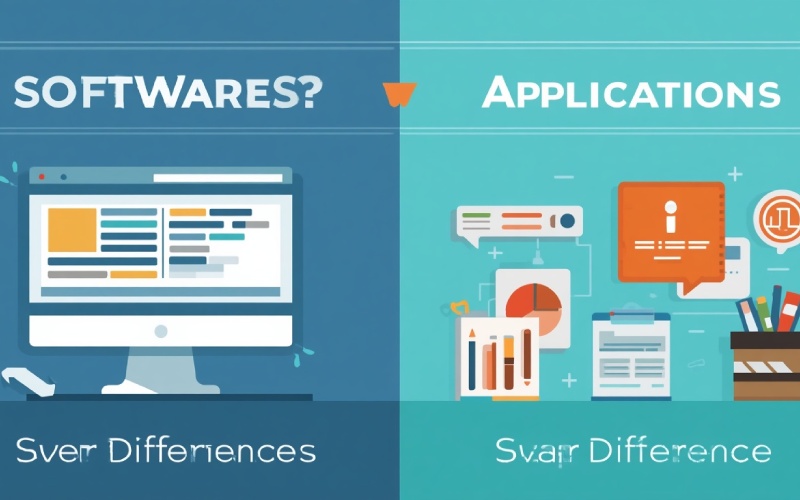
Software vs. Applications: 7 Key Differences Explained With Examples
Software and application are two of the most commonly used terms; people often use them interchangeably, but they differ significantly. Software makes computers, smartphones, and other digital devices interactive for users. From operating systems to specific applications, all are covered under the term software. An application is also a specific type of software designed to perform tasks for users. Understanding the difference between these terms strengthens your computer fundamentals and helps you see how different programs work together.
What Is Software?
Software is a broader term. It is a collection of programs, instructions, and related data that helps a computer interact with users and tells it how to respond to a user’s command. Primary examples of software include operating systems, device drivers, utility programs, programming tools, and applications. Each software subcategory performs a specific task.
Types of Software
Software can be divided into several categories; some of the primary ones are as follows:
-
System software
-
Application software
-
Utility software
-
Programming software
These categories often overlap.
What Is an Application?
An application, commonly called an app or software application, is a program or collection of programs designed to help users complete a specific task. Every day, we use several applications on our digital devices, such as computers and smartphones.
Common Examples of Applications
Common examples of applications include:
-
Productivity applications
-
Communication applications:
-
Creative applications
-
Entertainment applications
The above are the classifications of applications; examples include WhatsApp, Google Chrome, PhonePe, and more.
Software vs. Applications: 7 Key Differences
An application is a sub-category of software; there are some primary differences between them, such as:
|
Feature |
Software |
Application |
|
Meaning |
It is a broader category of computer programs and instructions |
It is a sub-category of software. |
|
Scope |
System, utility, programming, applications software, and more |
Sub-category of software |
|
Main purpose |
Manage hardware, maintain systems, and perform user tasks |
Designed to complete a specific task |
|
Examples |
Windows, device drivers, iOS |
Microsoft Word, WhatsApp, Photoshop |
|
Interaction |
Suitable for operating in the background and interaction with users |
Generally, designed to interact with direct user |
|
Dependancy |
Operating environment |
System software |
|
Installation |
Installed by manufacturer |
User |
Practical Examples of the Difference
Let’s take the example of a Windows laptop. Windows is system software, primarily installed by the manufacturer and then delivered to the customer. Now, the customer uses Microsoft Word, which is application software, but it relies on system software for support. There are many application software programs; they serve specific purposes, but they require system software to run on your device.
Through these examples, you can understand how software and applications work in real life and differentiate between them precisely.
Why Is Understanding the Difference Important?
Understanding the difference between software and applications helps users troubleshoot technical problems, build technical knowledge, and choose the right tool for their needs. For example, if a computer fails to start correctly, check issues related to the operating system or another system component instead of troubleshooting an application.
Frequently Asked Questions (FAQs)
Is an Application the Same as Software?
An application is a subcategory of software; they are not the same. Applications are developed to perform a specific task. In contrast, software is a broader term that includes operating systems, utilities, device drivers, and more.
Is Windows Software or an Application?
Windows is classified as system software, particularly an operating system. It helps devices understand user queries and deliver the right response.
Is Every Software Program an Application?
No, not all software programs are classified as applications. Programs like operating systems, device drivers, and other programming tools are classified as end-user applications.
Conclusion
Many people use the terms software and application interchangeably. Still, they differ: software is a broader term that includes programs and instructions for operating digital devices. In contrast, applications are designed to help users perform specific tasks.
In this article, we discuss this topic in detail, explain the primary difference between software and applications through practical examples, and share frequently asked questions. In the end, we hope you enjoy this post and find it informative; if so, please share it with others.
Software vs. Applications: 7 Key Differences Explained With Examples


5 Ways to Maximize Messaging Apps to Your Business's Advantage


5 Best Data Recovery Software Tools to Recover Deleted or Lost Files
What Is Utility Software? 18 Examples of Utility Software Tools